


Multiple sims, one setup
Fly any supported simulator and keep the overlays you already know.
MSFS 2024 · X-Plane 12 · DCS World
FlightLab is a suite of tools that improves your flight-sim experience: overlays that show the information you need at a glance, smart layouts that adjust to your favourite aircraft, a community layout library, dedicated streaming tools and more, for DCS World, MSFS 2024 and X-Plane 12.

Why FlightLab
From the team behind RaceLab, now built for pilots: overlays and layouts, a tools manager that starts and stops your other flight apps for you, and streaming tools, all in one app.

The dashboard tracks every session you fly in DCS World, MSFS 2024 and X-Plane 12: how much time you spent in each simulator, how many days you flew, your streaks and your most-flown aircraft.
Fly any supported simulator and keep the overlays you already know.
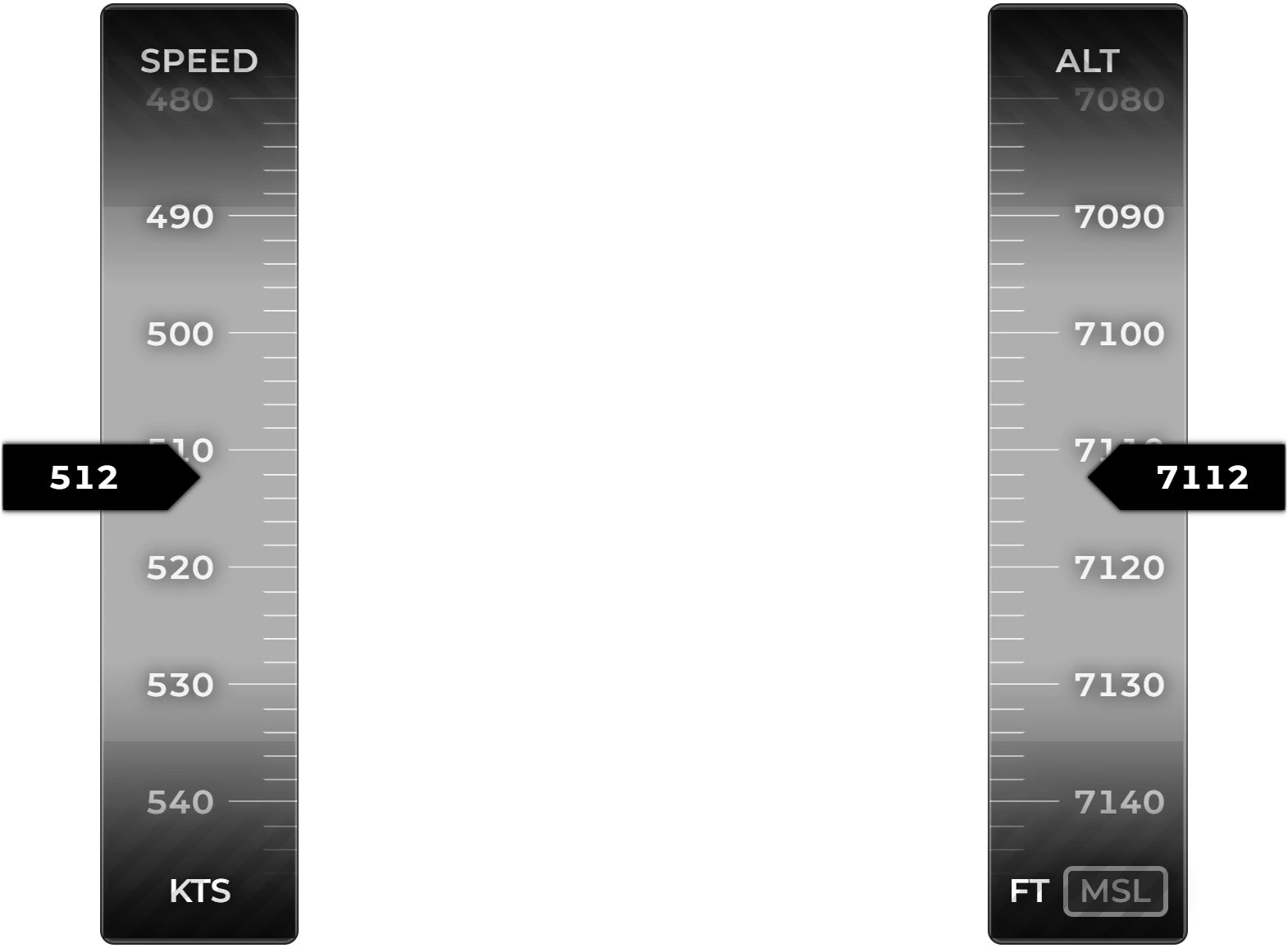
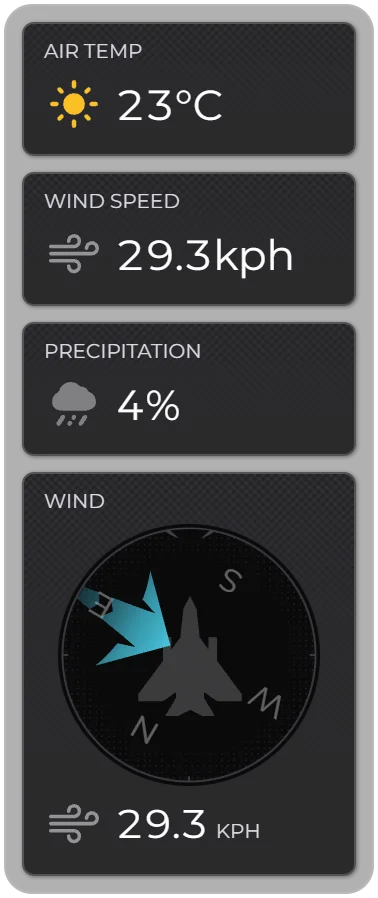
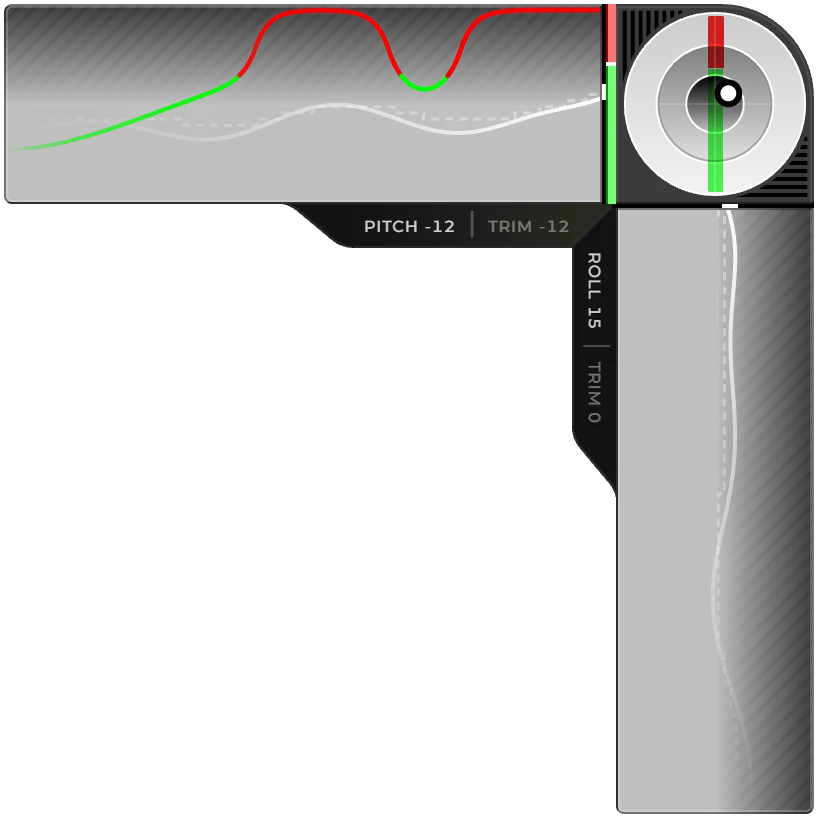
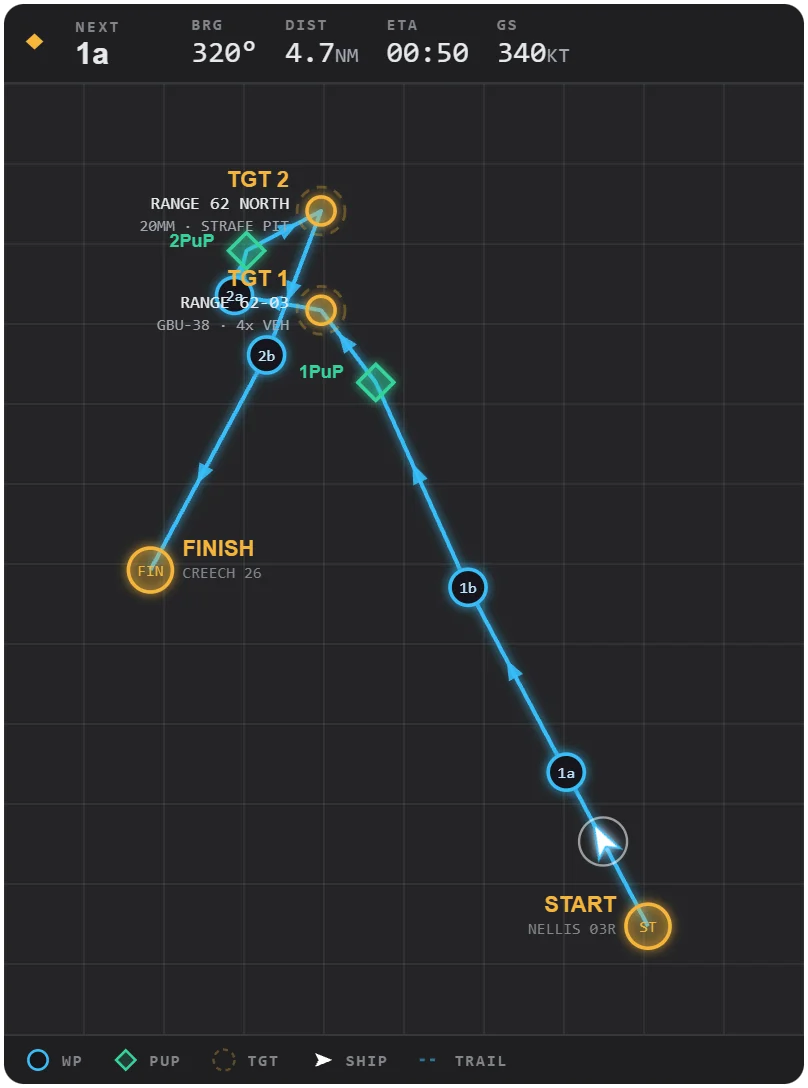
Runway approach, head-up display, route map, control input and more, all driven by live sim data.
Set rules by aircraft, offline or multiplayer, and FlightLab switches layouts for you.
Start with the essential overlays for free and upgrade to Pro when you want everything.
Pick a theme, then move, resize and fine-tune each overlay until it fits your screen.
Twitch chat, chat highlights, heart rate, audio motion and more for your broadcast.
Simulators
Every flight sim delivers its data differently. FlightLab unifies it, so you get the same overlays whichever simulator you fly.
Microsoft / Asobo Studio
For pilots exploring the world, from grass strips to the busiest hubs.
FlightLab for MSFS 2024Laminar Research
For pilots who fly for realism, from trainers to airliners.
FlightLab for X-Plane 12Eagle Dynamics
For virtual squadrons and solo sorties alike.
FlightLab for DCS WorldOverlays
Flight overlays for approach, altitude, route and more, and streaming overlays for your broadcast.

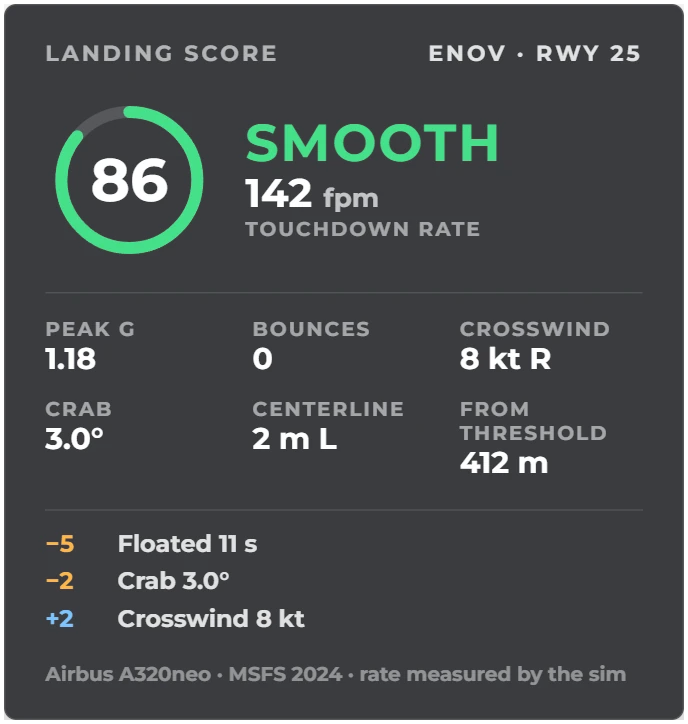
Every landing, rated the moment you touch down. Landing Score shows your touchdown rate, G, bounces, crosswind and where on the runway you touched down, gives the landing a score and a grade, and keeps every landing on your dashboard.
Layouts
Arrange overlays into layouts in the editor, then let FlightLab pick the right one for the flight.
ProLayouts are part of Pro

FlightLab VR
Take your overlays into VR and put them exactly where you want them in the cockpit.

Tools manager
Less app juggling, more flying
Charts, voice comms, a flight planner, a kneeboard: every flight starts with opening the same apps and ends with closing them. FlightLab does that for you, starting your tools with the app or with the simulator and closing them automatically when you're done.
Works with popular flight simulation tools

Stream Deck
Control without leaving the cockpit
Use your Stream Deck to put powerful FlightLab functionality at your fingertips: hide and show overlays, switch between overlay sets mid-flight, recenter your VR view and much more.

Pricing
Start free and upgrade when you are ready for the full experience.
Get started with the essential FlightLab overlays.
Forever free
Full access to the FlightLab app and all overlays.
Free early access
€4.90 / month€49.90 / year€399 once
FlightLab is still taking shape. Until it's done, every Pro feature is free.
For flight schools, simulator centers and commercial venues. License FlightLab for your business.
| Feature | Free | Pro |
|---|---|---|
| Overlays | Essential | All |
| LayoutsCompose overlays into layouts that activate by aircraft, offline or multiplayer | Not included | Included |
| Advanced customizationFonts, team logo, nationality flag, pilot image, animation and orientation options | Limited | Included |
| DCS World, MSFS 2024 and X-Plane 12 | Included | Included |
| Demo mode without a running simulator | Included | Included |
FAQ
Short answers about simulators, pricing and setup.
DCS World, Microsoft Flight Simulator 2024 and X-Plane 12. Every overlay reads live telemetry from the running simulator, and each simulator has a demo mode so you can set things up without flying.
Yes. FlightLab has a free tier with the essential overlays. Pro unlocks every overlay, Layouts and the advanced customization options, and during early access Pro is free as well.
Yes. Demo mode renders every overlay with sample telemetry, so you can pick themes, sizes and positions before you start your simulator.
Free to start, Windows, no credit card. Download the app, create an account and take off.

