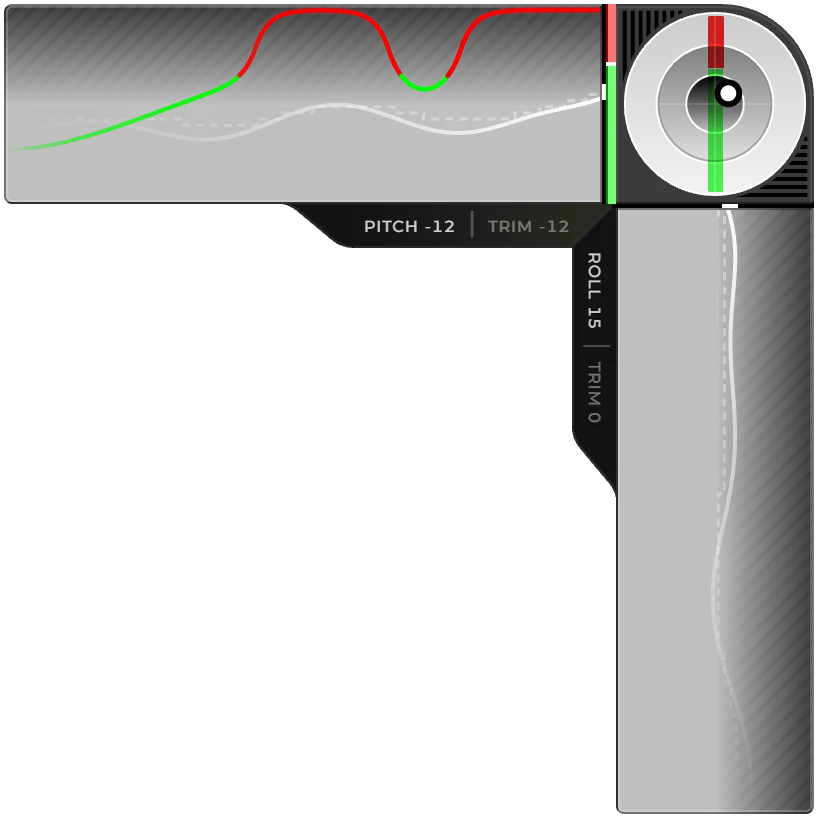
See exactly what your hands are doing. Control Input shows your stick, throttle and trim live, with a running trace of your recent inputs, so you can spot the corrections that make an approach or landing shaky.
Stick, throttle and trim, live
A running trace of every correction
Several styles, left or right side of the screen
DCS World
MSFS 2024
X-Plane 12
Head Up Display
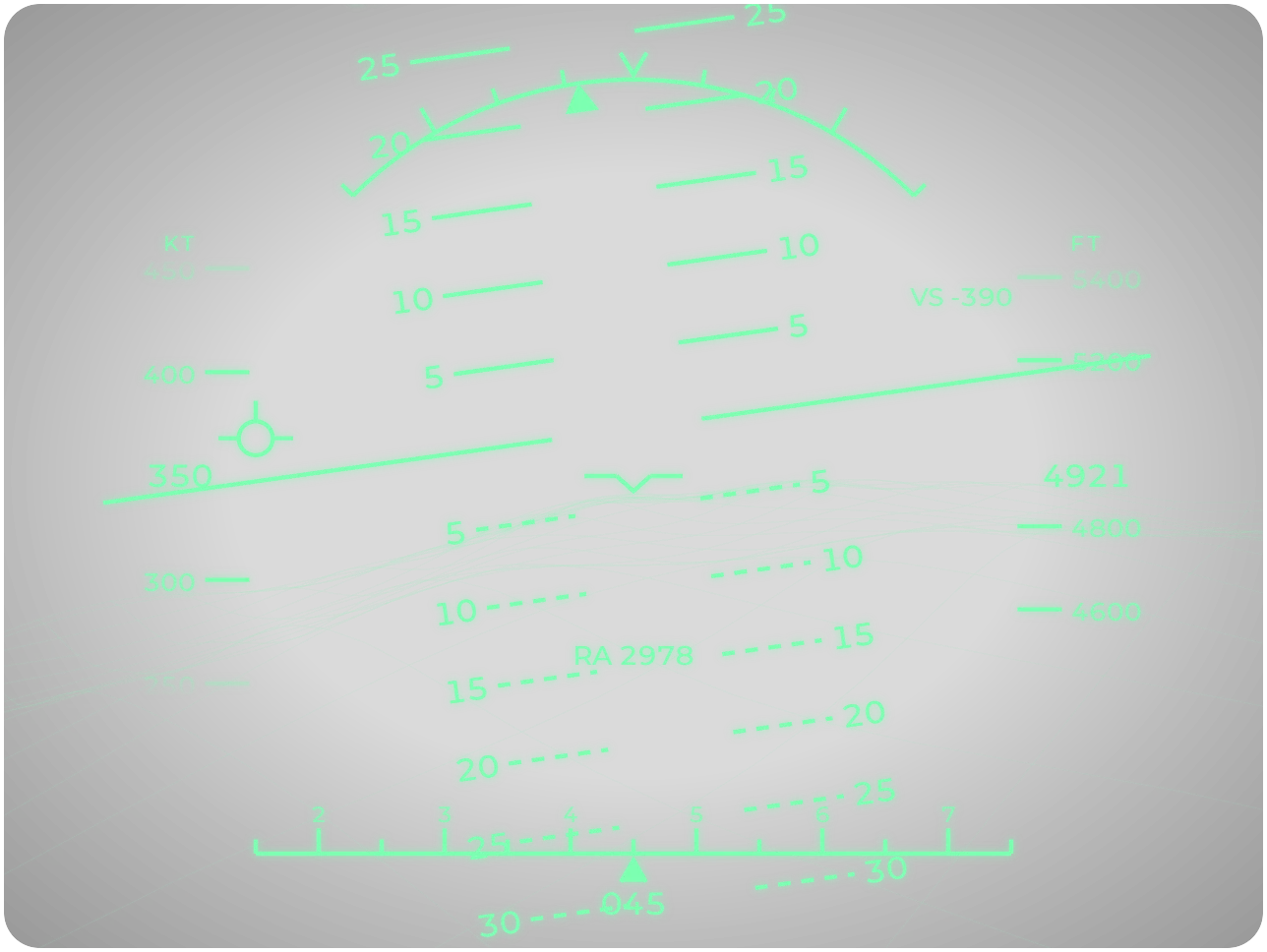
Give any aircraft a head-up display. Pitch, flight path, speed, altitude and heading in one view, over a 3D picture of the terrain ahead that stays visible in cloud and at night.
Flight path marker, pitch ladder and bank scale
3D terrain from elevation data, even in cloud
Six themes, imperial or metric units
DCS World
MSFS 2024
X-Plane 12
Runway
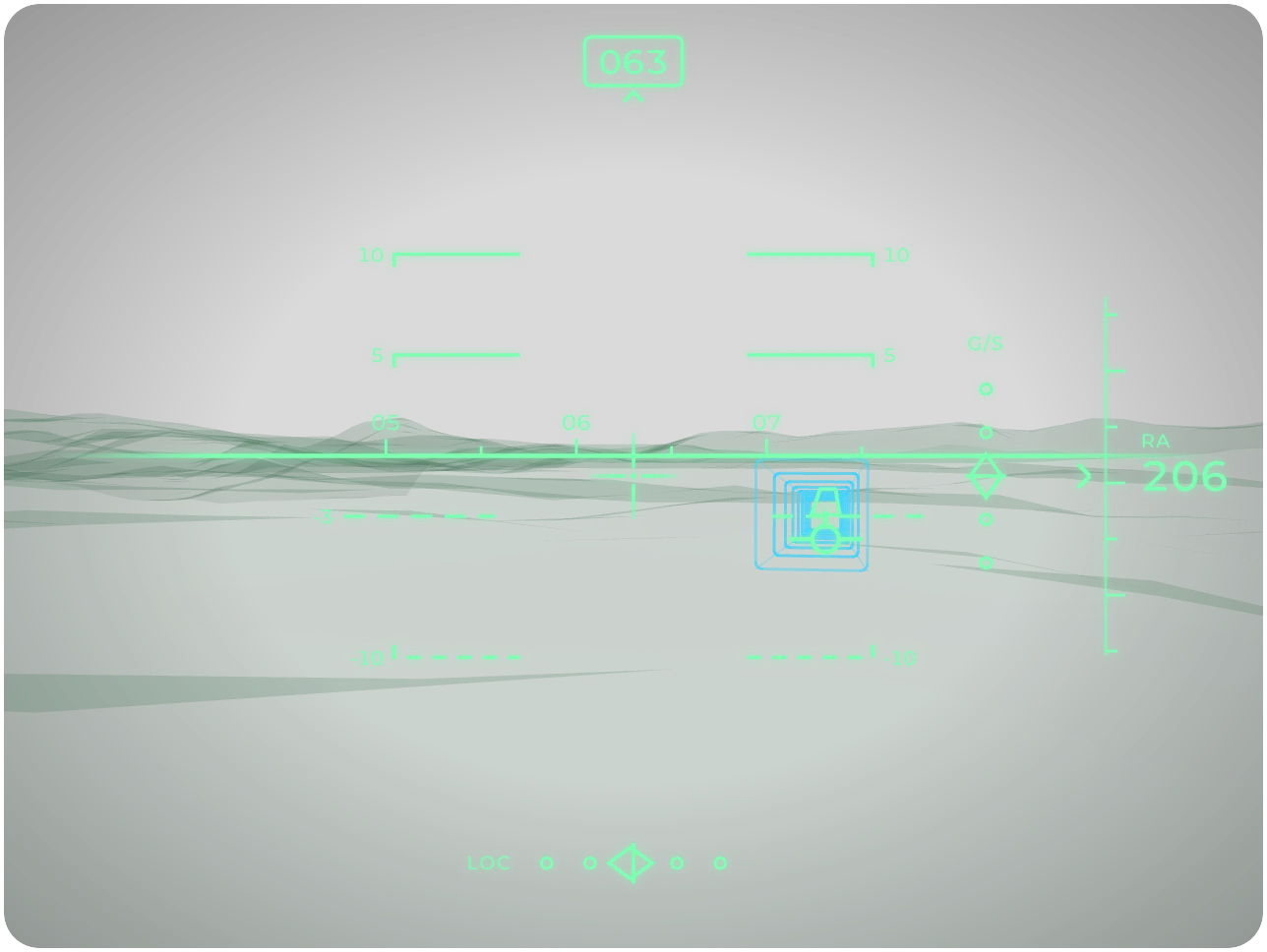
Never lose sight of the runway. Runway picks the nearest airport and the runway you're lined up with, then draws an approach corridor with centreline and glideslope guidance, so you can fly a stable approach even in fog or at night.
Finds the runway for you, at airports worldwide
Approach corridor with localizer and glideslope guidance
Landing and take-off modes
DCS World
MSFS 2024
X-Plane 12
Mission Route
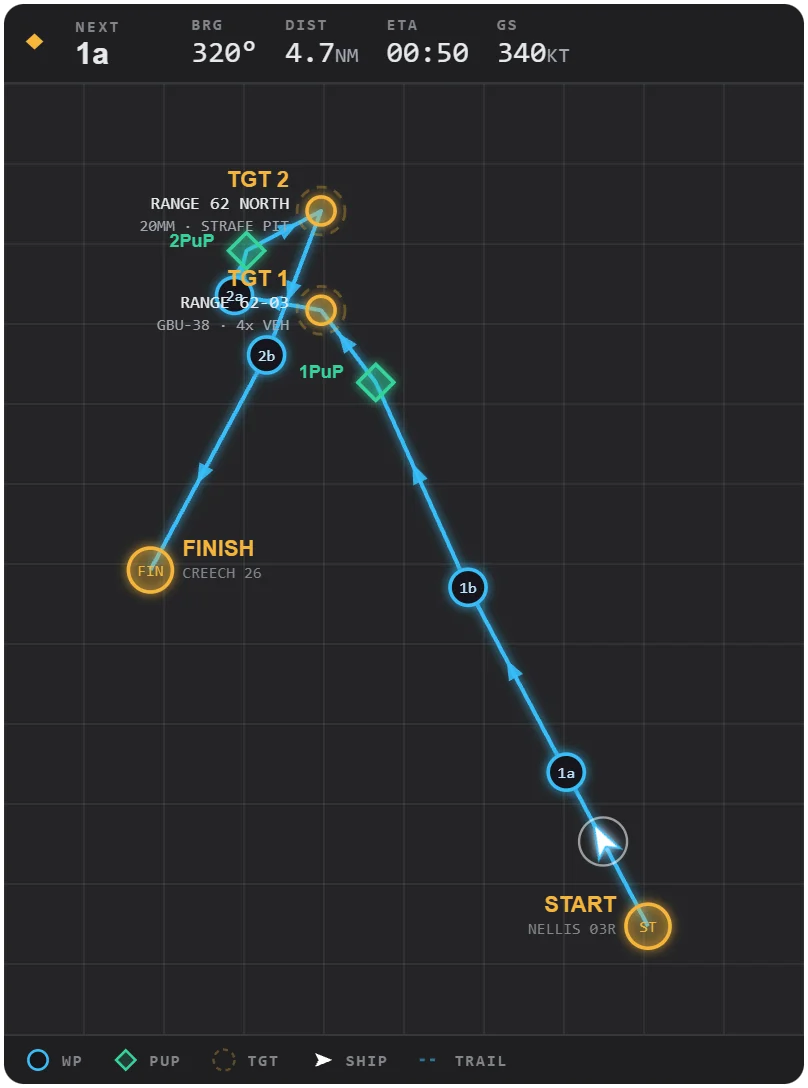
Your route, live. See the next waypoint, how far it is and when you'll get there, on a flat map or in 3D over the terrain.
Distance, bearing and ETA to the next waypoint
Flat map or 3D terrain view
Waypoints from your DCS mission or a route file
DCS World
MSFS 2024
X-Plane 12
Pilot Info
A broadcast-style name card for your stream. Your name, callsign, aircraft and flag, with an optional photo and team logo.
Name, callsign, aircraft and flag
Photo and team logo
Animated, with multiple themes to choose from
DCS World
MSFS 2024
X-Plane 12
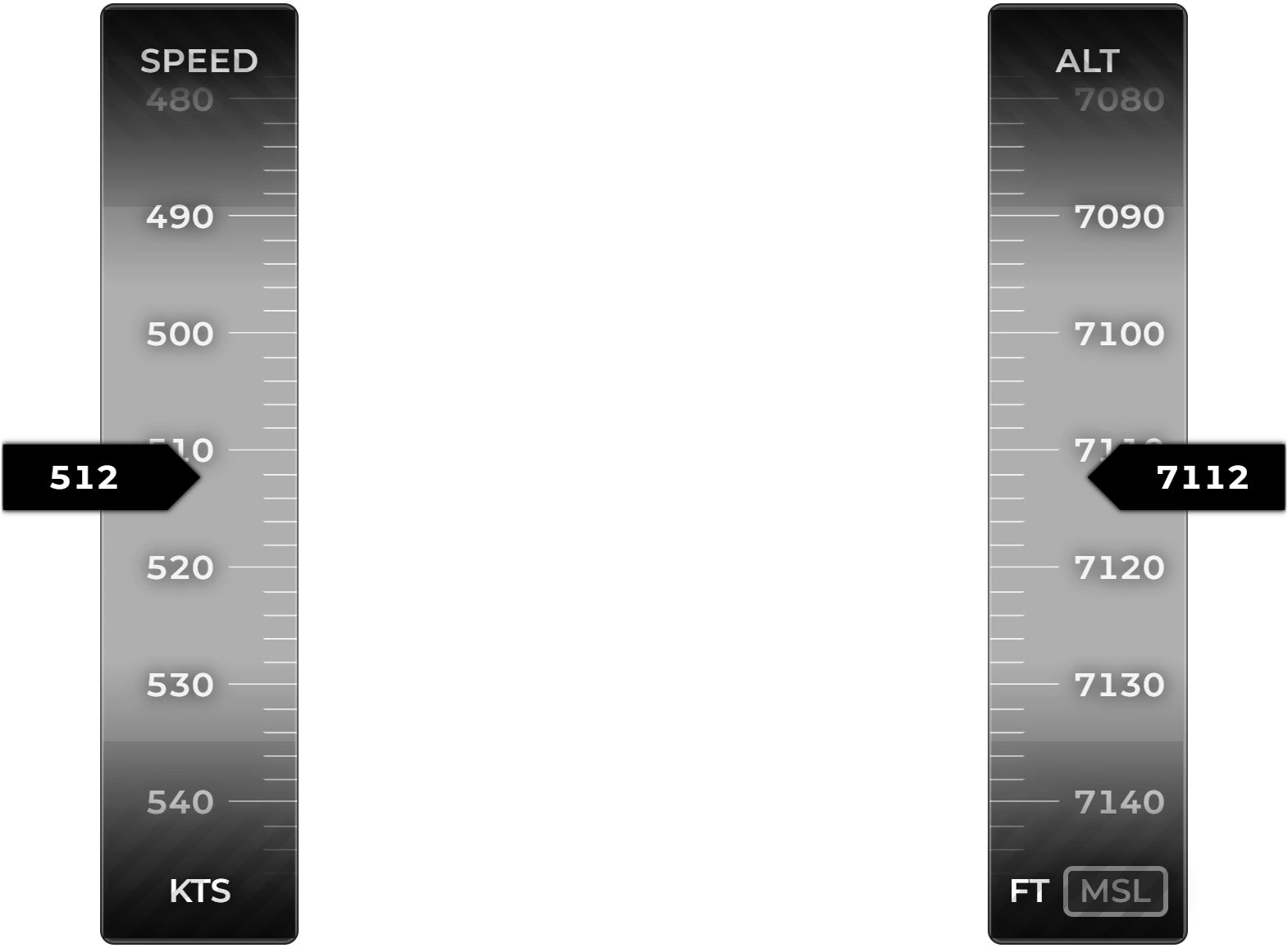
Speed And Altitude
Your speed and altitude, big and clear. Read them at a glance instead of hunting for the gauges, get a red warning when you're too slow or too low, and let it switch to radar altitude close to the ground.
Indicated or true airspeed, sea-level or radar altitude
Warnings when you're too slow or too low
Tapes, plain numbers, or both
DCS World
MSFS 2024
X-Plane 12
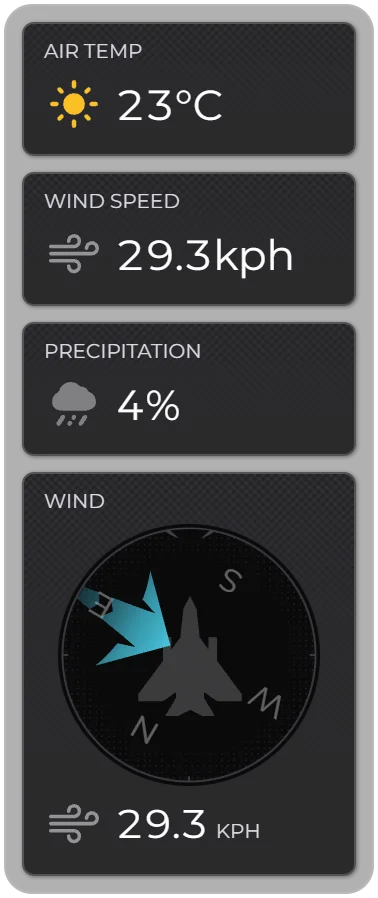
Weather Monitor
The weather around your aircraft, at a glance. Wind, temperature, rain and fog in one compact panel.
A wind compass that follows your heading
Sky, temperature, humidity, rain and fog
Only the blocks you choose
DCS World
MSFS 2024
X-Plane 12
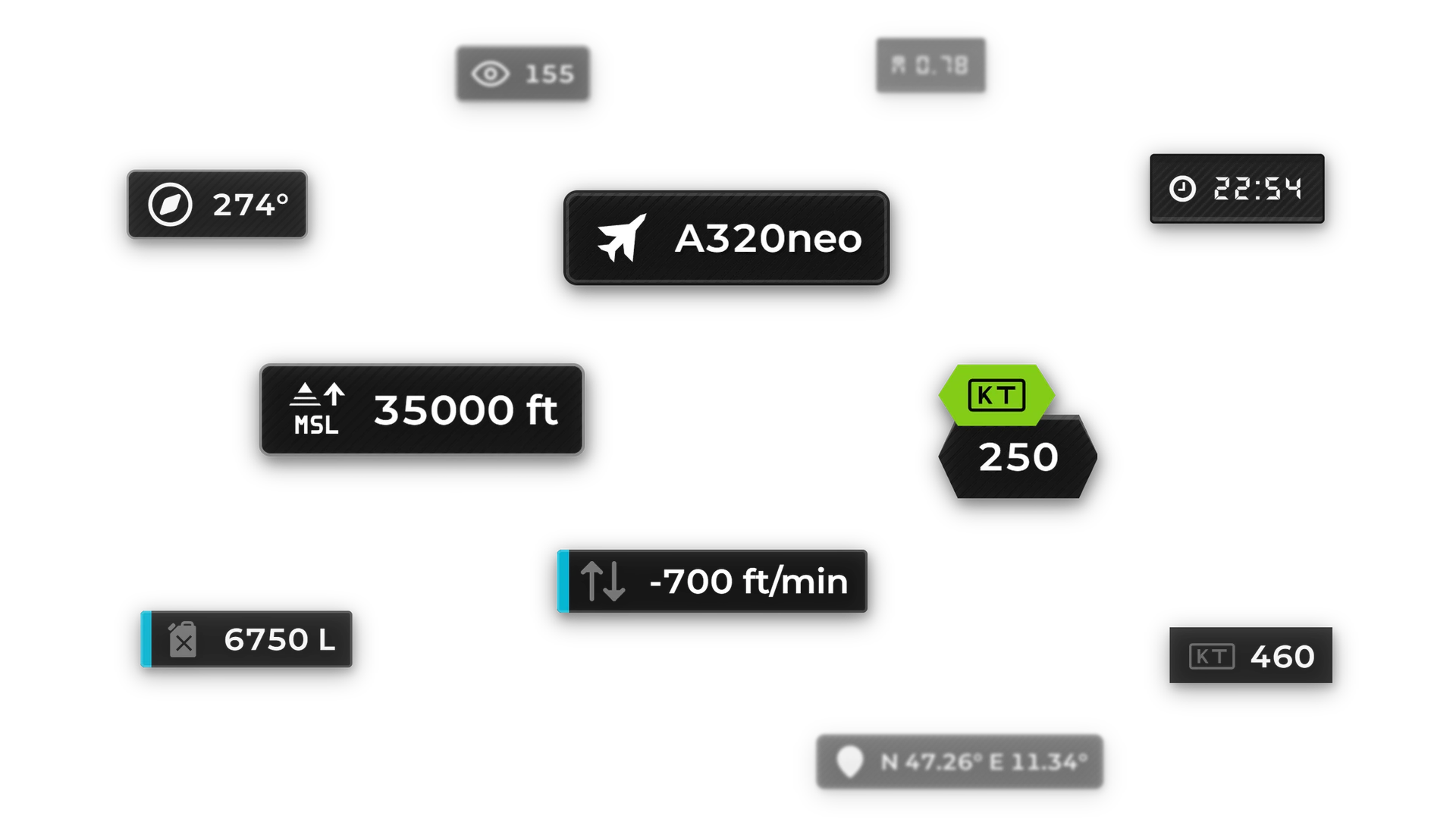
Data Block
Put the detail you care about on screen. Data Block shows one readout of your choice: your altitude, airspeed or fuel, the aircraft you're flying, the local time or your latest subscriber. Add several to a layout to build your own panel.
Flight, PC and stream readouts to choose from
Multiple themes to choose from
Combine several in a layout
DCS World
MSFS 2024
X-Plane 12
Chat, Chat Highlight, Audio Motion, Custom URL, Custom Text and Heart Rate work with every simulator.